

Two ways to start
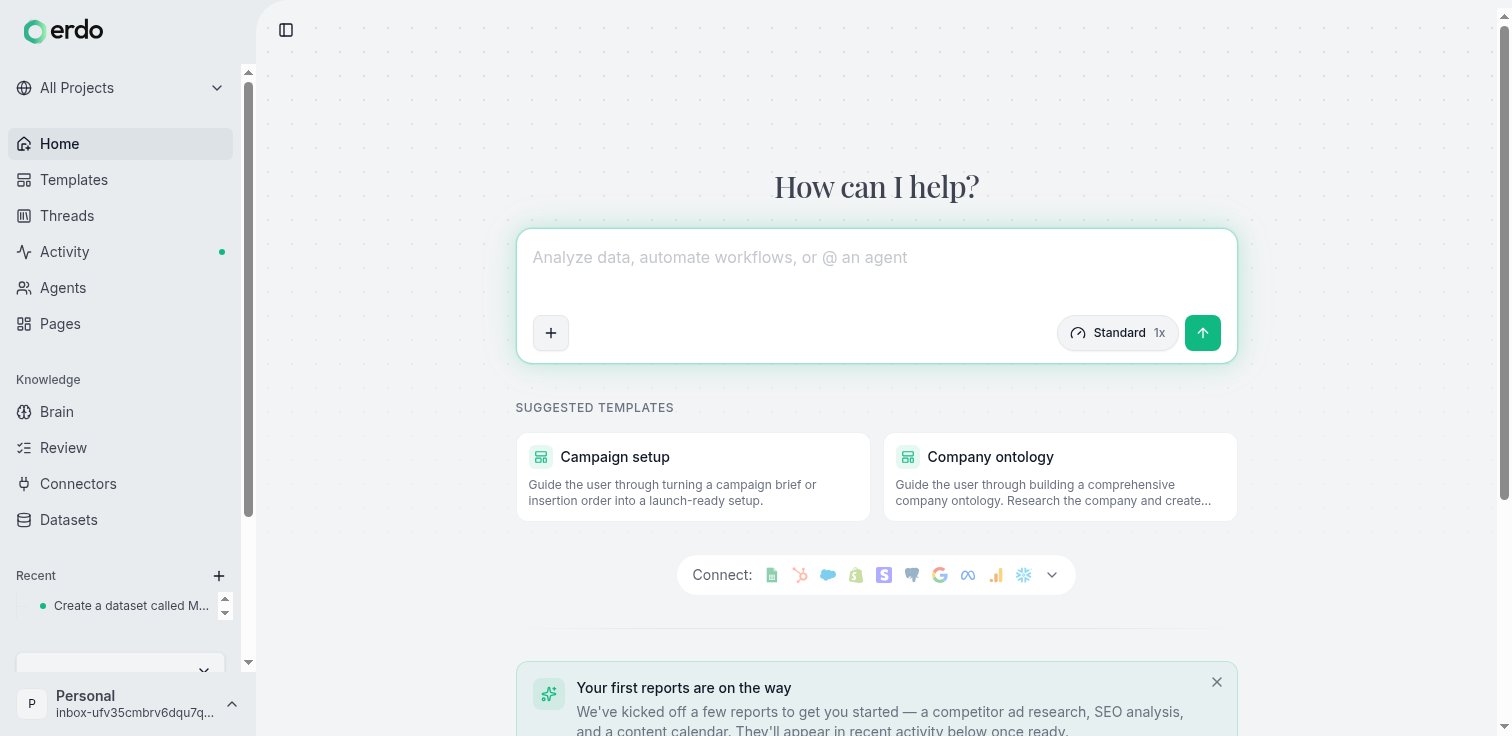
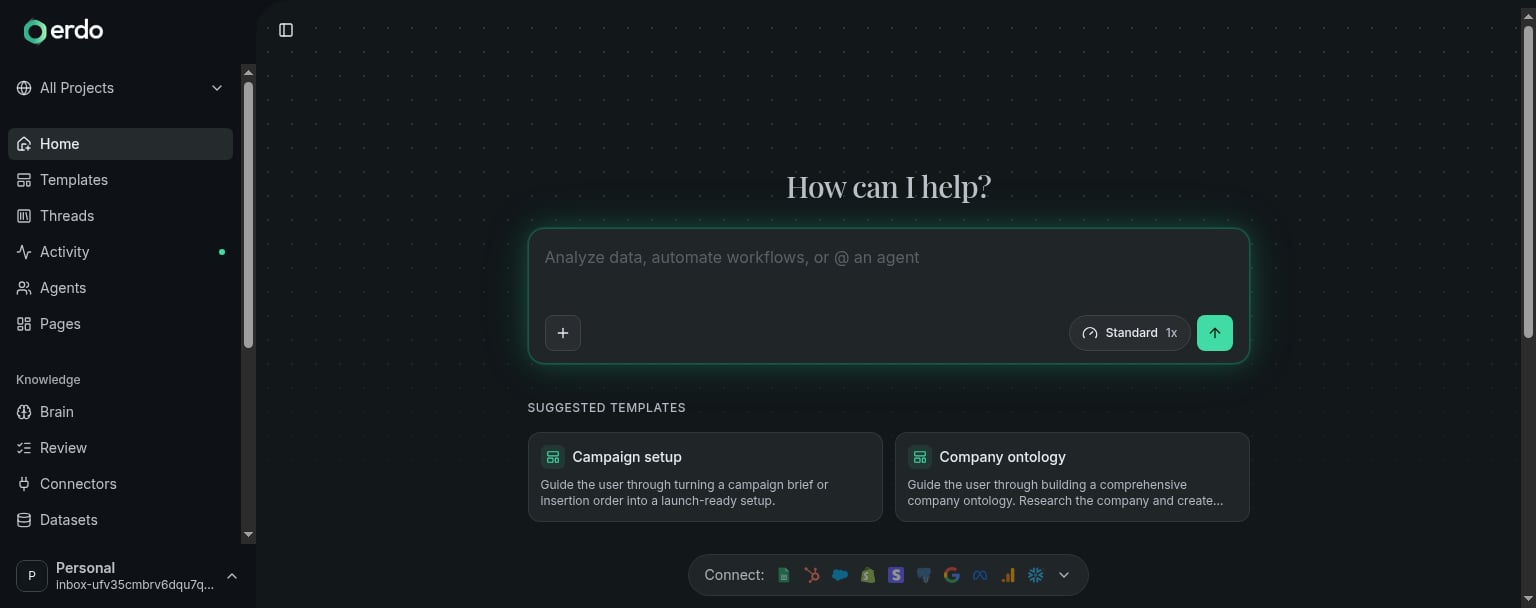
Use a conversation when the work is open-ended: a question, investigation, analysis, or one-off deliverable. Describe the outcome in plain language and Erdo will work out the steps.“Pull last month’s signups by plan, flag anything unusual, and build me a dashboard I can share with the team.”That request can connect to your data, run the analysis, and produce a live page in the same conversation. Use a template when the outcome has a defined flow. A template asks for the missing brief and keeps the progress, outputs, blockers, and decisions visible outside the conversation. This is useful for work such as a campaign launch or lead engine that should not depend on following a long transcript.
Return to the work
The sidebar keeps primary navigation direct and separates reusable setup:- The project switcher at the top left changes the context for sustained work and provides New project and Manage projects actions.
- Home starts or resumes work, Activity shows what changed and what needs a decision, Pages holds durable outputs, and Agents holds persistent workers your organisation builds and operates.
- Setup contains Knowledge for your business context and ontology, plus Data & connections for datasets and connected systems.
Key concepts
Home
Start from a plain-language request or a template, then resume recent work.
Activity
See what changed, what is running, and what needs your decision.
Projects
Keep shared context, conversations, progress, and pinned outputs together.
Pages
Durable, shareable apps and dashboards connected to live data.
Agents
Persistent workers with their own instructions, knowledge, deployments, and activity.
Templates
Start defined outcomes with visible progress, outputs, and decisions.
Setup
Connect data and shape the reusable knowledge Erdo works from.
Use Erdo anywhere
Erdo is not limited to the web app. Connect Claude, Cursor, or another MCP client with the MCP server, or drive Erdo from the CLI. Building software on Erdo? The REST API and the TypeScript / Python SDKs live in the Developers tab.Get started
Connect a data source and get to a useful result in a few minutes.